
RustFS Single Node Multiple Disk Installation
Install RustFS on a single server and distribute data across multiple disks.
In Single Node Multiple Disk (SNMD) mode, one server shards data across multiple data disks. Each object is split into K data shards and M parity shards (erasure coding), so the loss of up to M disks does not cause data loss.
SNMD is suitable for mid-sized, non-critical workloads. The deployment can lose up to M disks without losing data, but if the entire server fails or more than M disks are damaged, data will be lost. Keep backups of important data. For node-level fault tolerance, use MNMD.
Topology and Planning
- 1 server with multiple data disks (this example uses 4 disks mounted at
/data/rustfs0through/data/rustfs3). - Erasure coding spreads data and parity shards across the disks; fault tolerance is limited to disk failures within the single node.
- Format each disk with XFS and mount it separately (e.g., labels
RUSTFS0–RUSTFS3), as described in the prerequisites page. - For production deployments, also review the Pre-Installation Checklists.
Prerequisites and Service Setup
Complete the common prerequisites and service setup — operating system, firewall, time synchronization, disk formatting, service user, binary download, and systemd unit — then continue below.
Configure Environment Variables
- Create the configuration file.
RUSTFS_VOLUMESuses brace expansion to enumerate the four disk mount points:
# Use a unique access key and a strong, random secret (e.g. openssl rand -base64 24)
RUSTFS_ACCESS_KEY=<your-access-key>
RUSTFS_SECRET_KEY=<your-secret-key>
RUSTFS_VOLUMES="/data/rustfs{0...3}"
RUSTFS_ADDRESS=":9000"
RUSTFS_CONSOLE_ENABLE=true
RUSTFS_CONSOLE_ADDRESS=":9001"
RUSTFS_OBS_LOGGER_LEVEL=error
RUSTFS_OBS_LOG_DIRECTORY="/var/log/rustfs/"- Create the storage and log directories:
sudo mkdir -p /data/rustfs{0..3} /var/log/rustfs /opt/tls
sudo chmod -R 750 /data/rustfs* /var/log/rustfs
Start and verify the service
- Start the service and enable it to start at boot:
sudo systemctl enable --now rustfs- Verify the service status:
systemctl status rustfs- Check the service port:
netstat -ntpl- View log files:
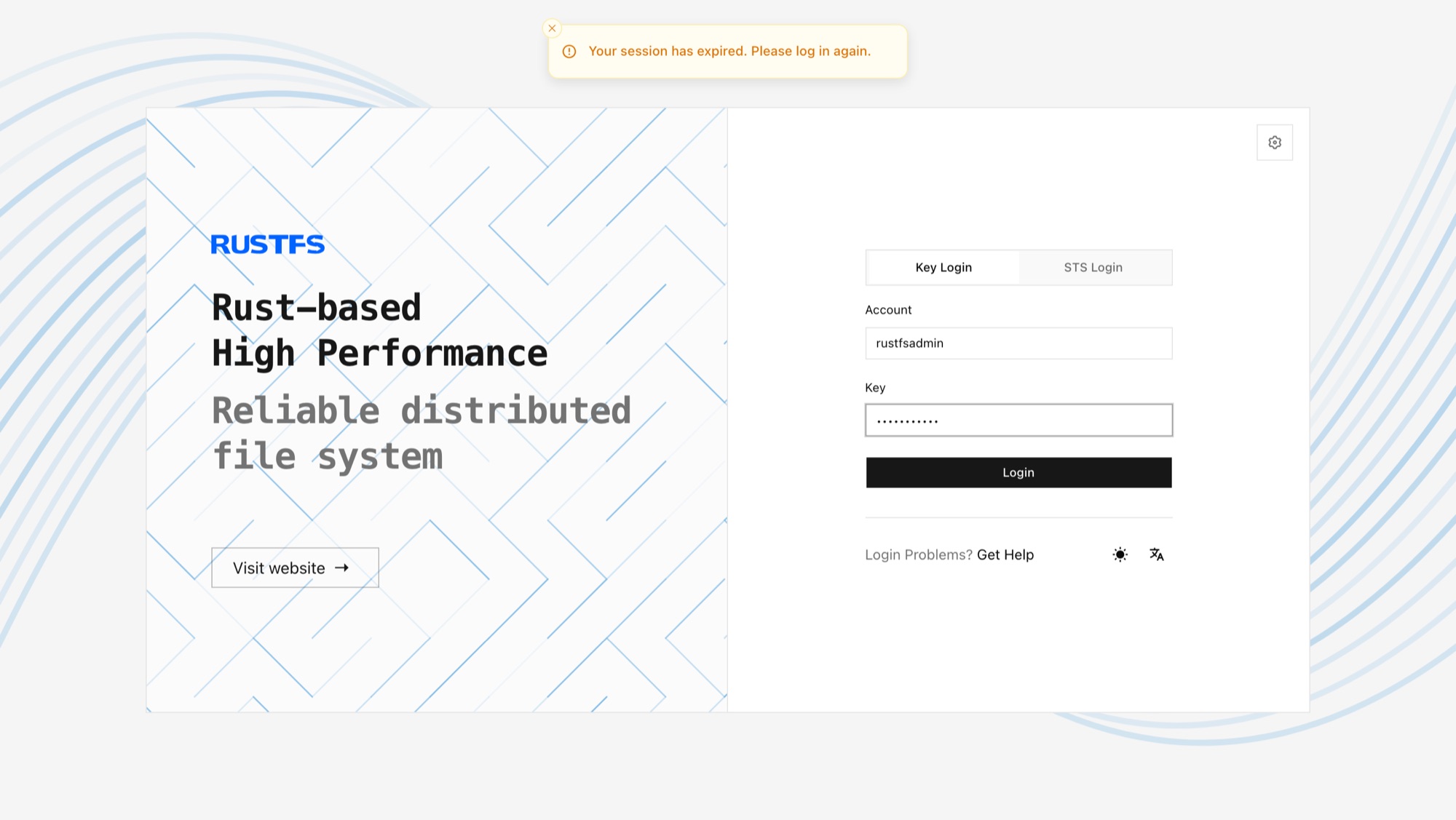
tail -f /var/log/rustfs/rustfs*.log- Access the console: enter the server's IP address and the console port (default 9001) in a browser. You should see:
Next Steps
- Need node-level fault tolerance and horizontal scalability? See Multiple Node Multiple Disk Mode (MNMD).
- Just experimenting? Single Node Single Disk Mode (SNSD) is simpler to set up.